Thanks to Oracle’s latest update with Oracle APEX 26.1 and the revolutionary APEXLang format, you no longer need to manually click through a hundred Page Designer menus to make UI tweaks or spin up new reports. Instead, you can just chat with an AI agent in VS Code, let it edit your app structure locally, and sync it right back to the cloud.
Let’s walk through how to set up this mind-blowing workflow in a few simple steps.
Step 1: Export Your Oracle APEX App in APEXLang Format
First, we need a sandbox application to play with. We’ll use a standard sample app for this.
- Head over to your Oracle APEX Workspace, open the Gallery, navigate to Starter Apps, and install the Customers app.
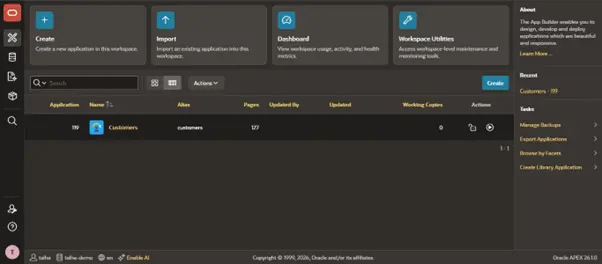
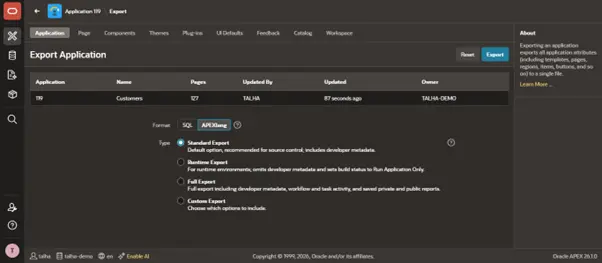
- Once installed, open the app builder and click the Export / Import button and choose the Export option.
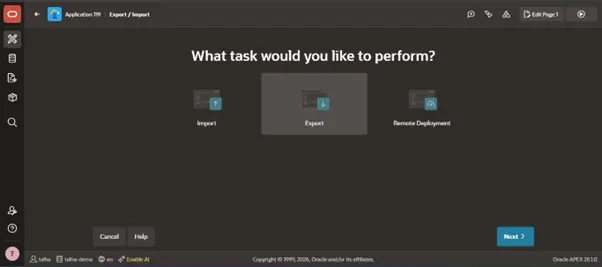
- Here’s where the magic happens: instead of the classic single SQL file export, select APEXLang as your format, leave the type as Standard Export, and hit export. This gives you a neat zip file perfectly structured for source control and CI/CD pipelines.
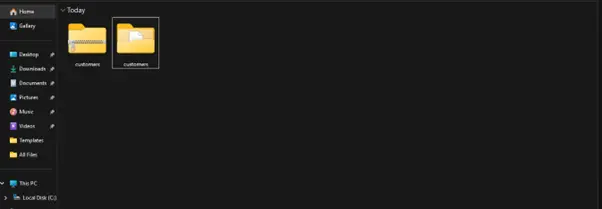
- Find the zip file in your downloads and extract it.
Step 2: Set Up VS Code for Oracle APEX Development
Now, let’s move over to your local machine. But before moving forward make sure you have prerequisites VS Code and Node.js installed and ready for use.
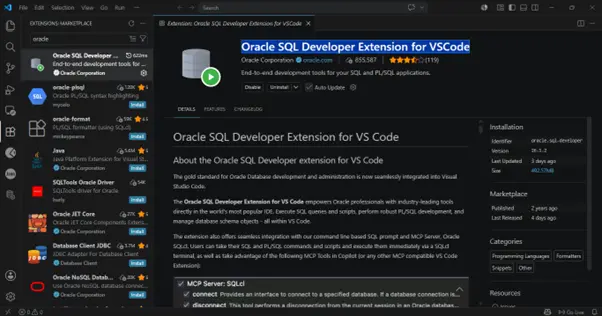
Open VS Code, jump into the Extensions Marketplace, and search for the Oracle SQL Developer Extension for VSCode. Also make sure it’s the official extension published by oracle.com!
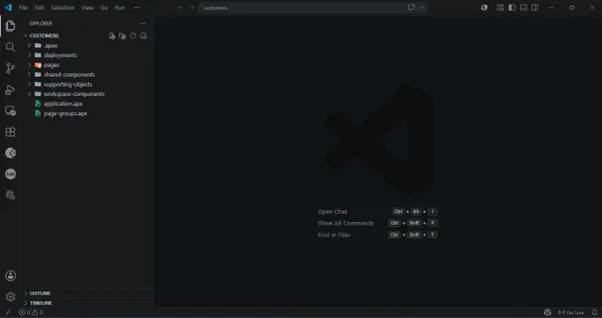
Open your freshly unzipped customers application folder in VS Code. You’ll immediately notice that your entire APEX app is broken down into highly readable local files and folders (like pages, shared-components, etc.).
Click the Database icon on the left sidebar, click Create Connection, and fill in your schema details. Test the connection to ensure it passes, save it, and connect.
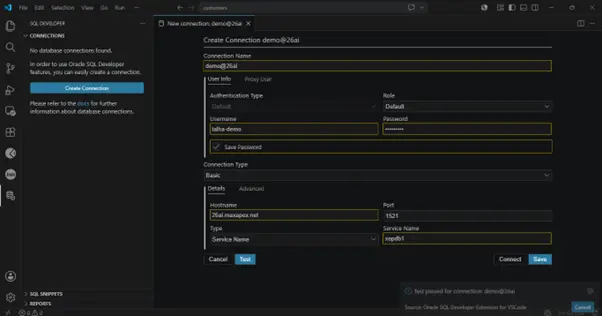
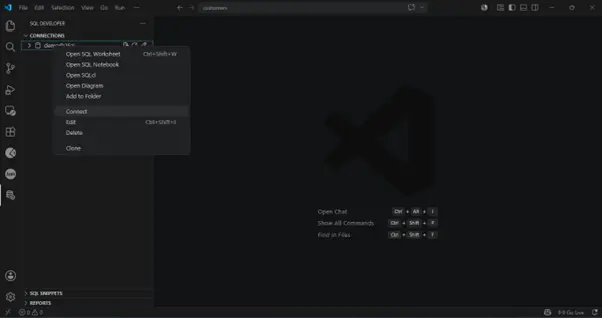
Step 3: Add Oracle APEXLang and Database AI Skills
Right now, standard LLMs don’t natively understand the intricacies of Database and APEXLang file structure. We need to give our AI the right toolkit using official Oracle skills.
Open your VS Code terminal and run these incredibly simple commands for installing APEXLang and Database skills one at a time:
npx skills add oracle/skills/apex
npx skills add oracle/skills/db
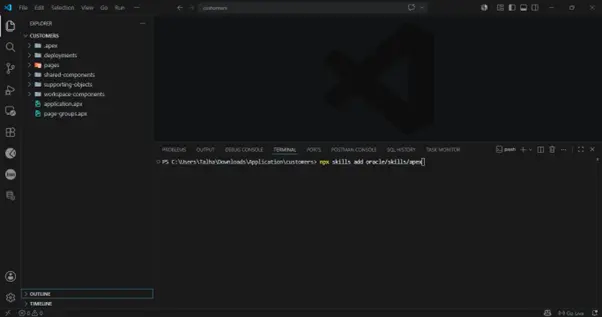
(Just hit Enter to accept the default prompts during installation for both.)
Once completed, you’ll spot a new .agents folder in your project directory containing specific skills for APEX, APEXLang and Database. Your AI assistant is officially ready to build!

Step 4: Vibe Code Your First UI Change with AI
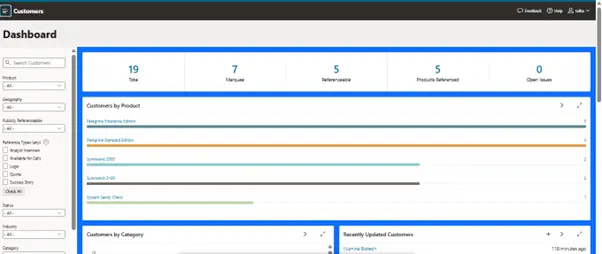
Let’s put the AI to work. Check out your app’s default dashboard—it looks clean, but we want to spice things up. Let’s change the background color of a container panel to blue to make our metrics pop.
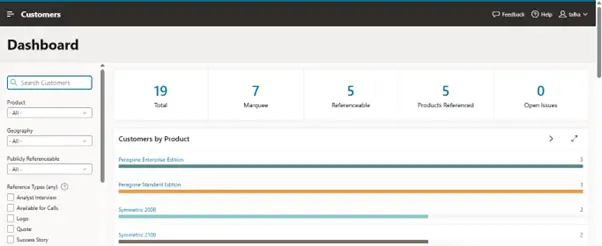
- Open the VS Code Copilot Chat panel.
- Drop in a simple prompt:
“Change the Background color of Dashboard page to blue”
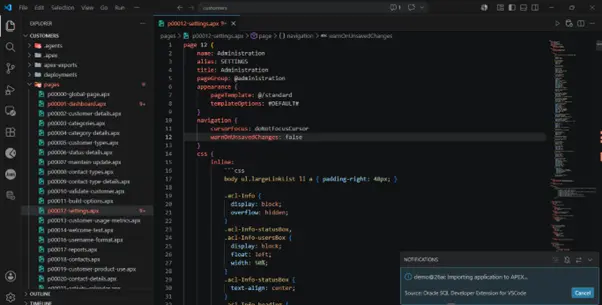
- Watch the AI instantly scan your files, pinpoint p00001-dashboard.apx, and apply the inline CSS adjustments right into the APEXLang structure.
- Ready to see it live? Click the green Import/Sync button in the top-right corner of your editor. The extension will instantly push the modifications back into your Oracle APEX cloud workspace.
Go back to your browser, refresh the page, and boom! The dashboard accents are bright blue. Zero manual CSS hacking required.
Step 5: Generate Entire APEX Pages with a Single AI Prompt
Changing colors is cool, but what about building actual functionality? Let’s ask the AI to spin up a completely new data view.
In your Copilot Chat, throw it a more complex prompt:
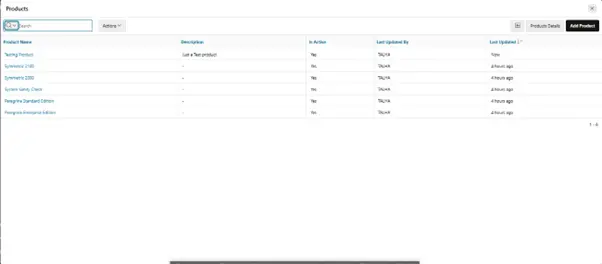
“Create a new page named Products Details and generate interactive report using data available on products page”
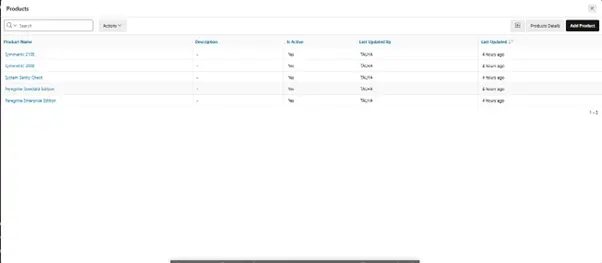
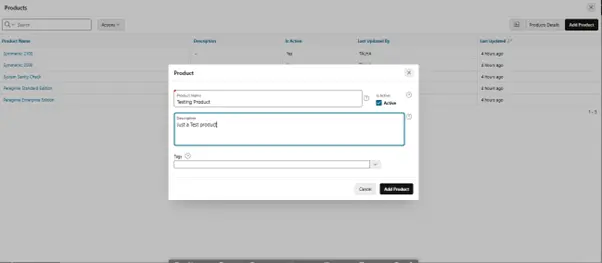
Within seconds, the AI writes a brand new .apx page configuration from scratch, maps out an Interactive Report region, hooks it up to the underlying data dictionary, and links it nicely. Hit that sync button one more time, and you have a fully operational, data-connected page ready to handle data entries and product tracking.
Oracle APEX Vibe Coding: Final Verdict
What we just did is only a scratch on the surface. By combining the low-code speed of Oracle APEX with the local-file flexibility of APEXLang, you get the absolute best of both worlds.
Features and page overhauls that used to take days of manual tracking and clicking can now be prototyped via conversational commands in minutes. It makes software architecture feel less like fighting with an IDE and more like steering a fast-moving ship.
Are you ready to stop clicking and start vibe coding? Try exporting your latest project in APEXLang format today!